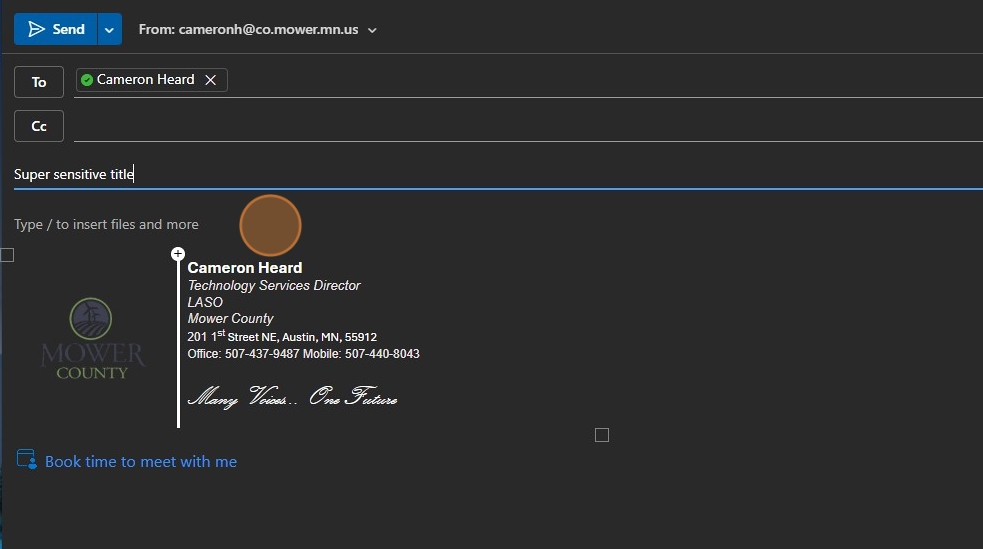
Select Sensitivity level in Outlook
Select Sensitivity level in Outlook
This guide provides a straightforward method for setting sensitivity levels in Outlook, ensuring that your confidential information is protected. By following these simple steps, you can easily mark your emails as "Confidential," helping to prevent unauthorized access. It's essential for anyone who regularly handles sensitive data and wants to maintain privacy and security in their communications. Viewing this guide will enhance your email management skills and safeguard your information effectively.
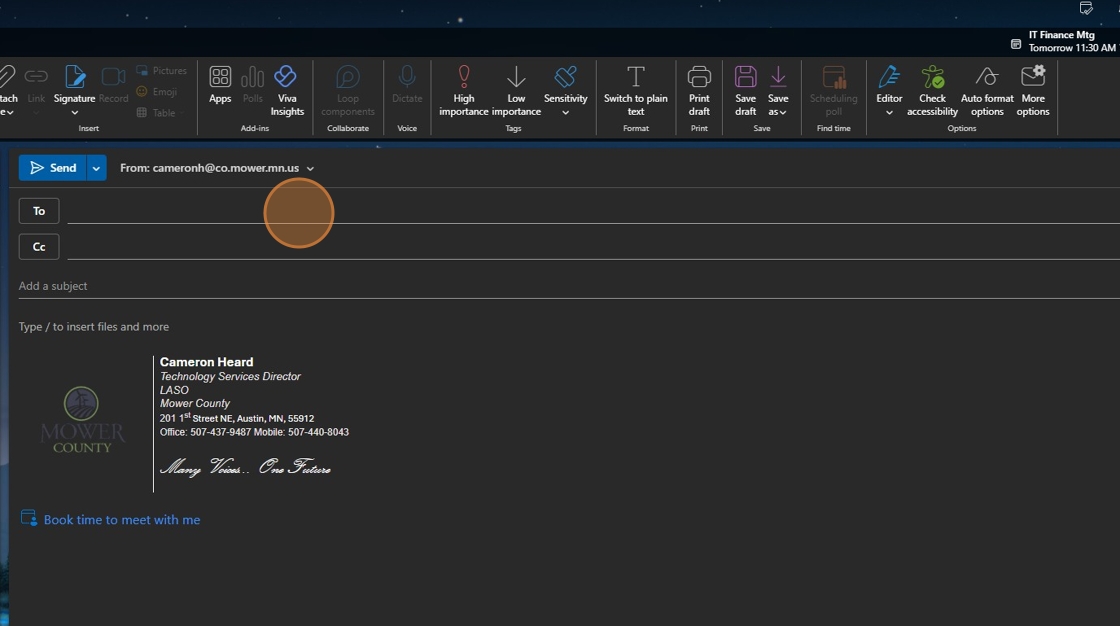
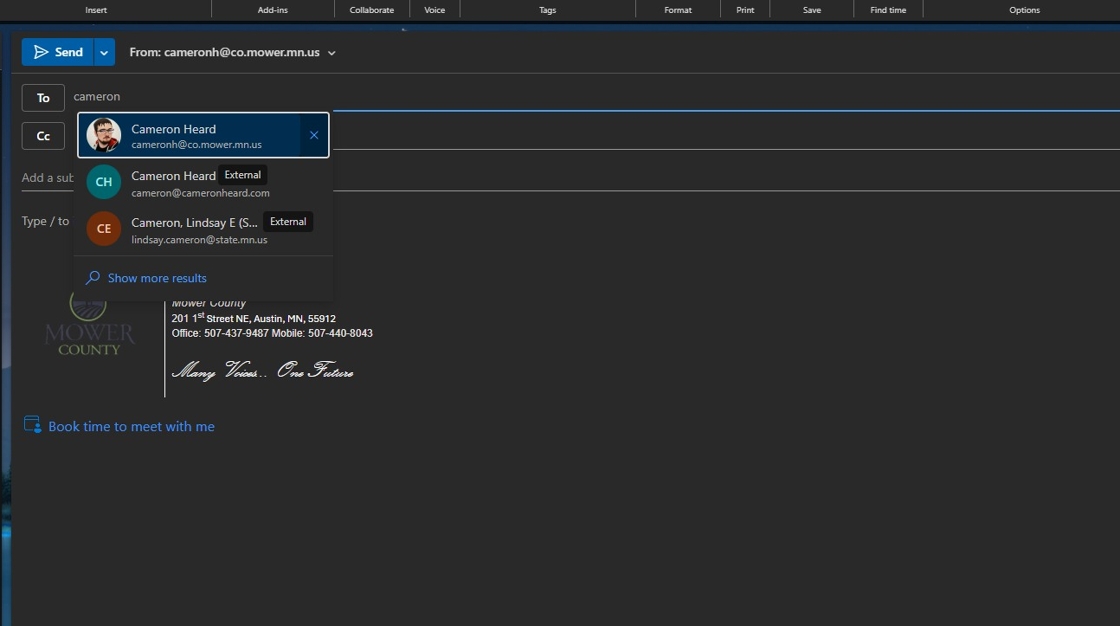
3. Click "Set your sensitivity"

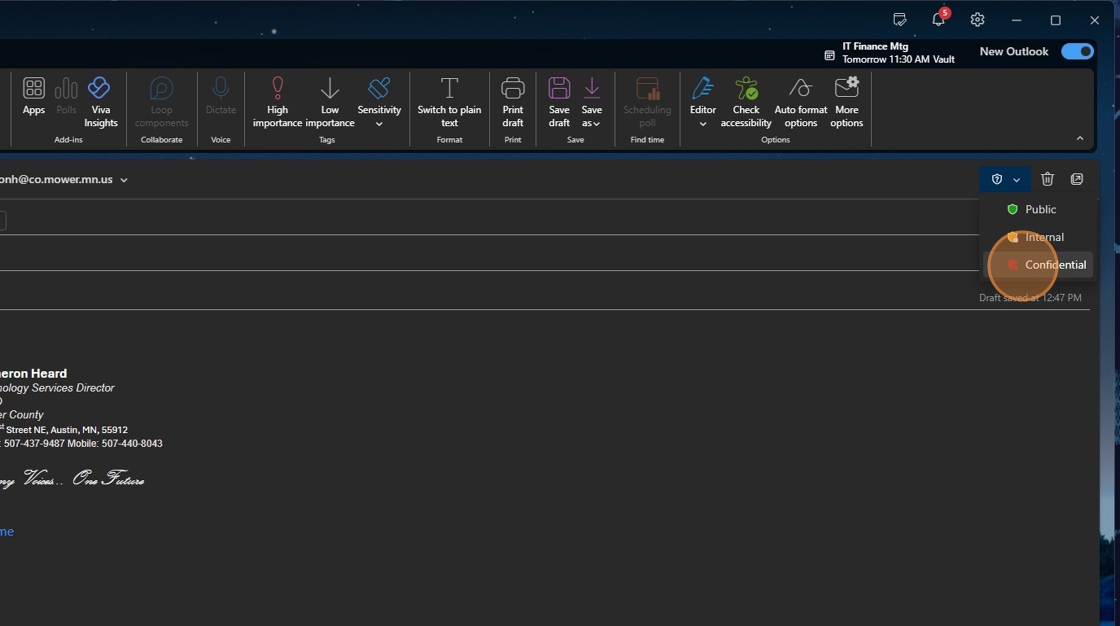
4. Click "locked Confidential"
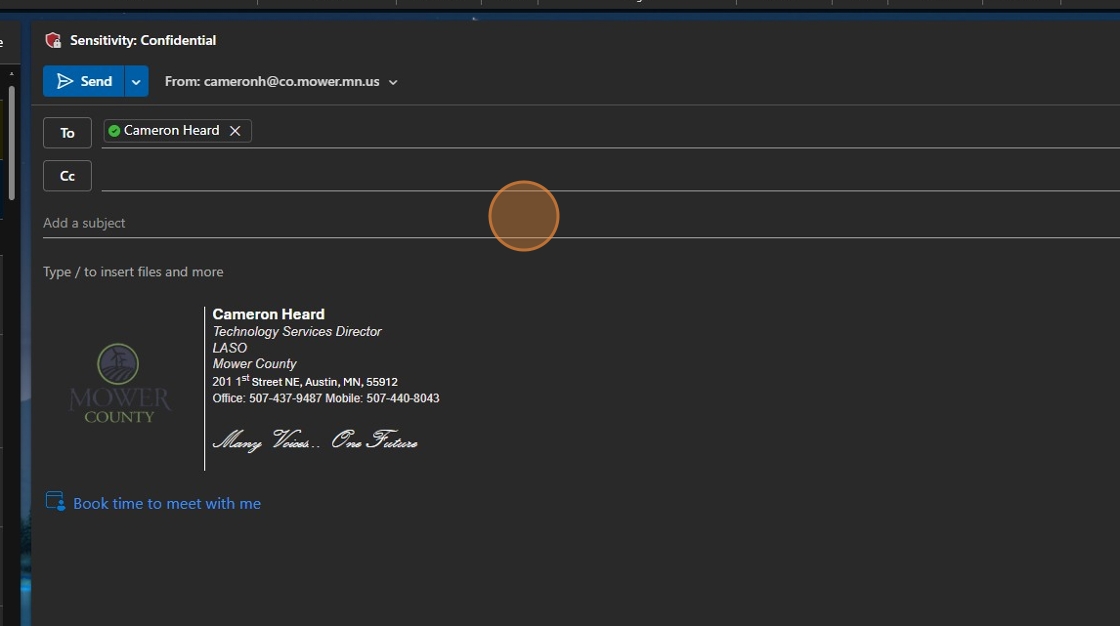
6. Type your Super sensitive title
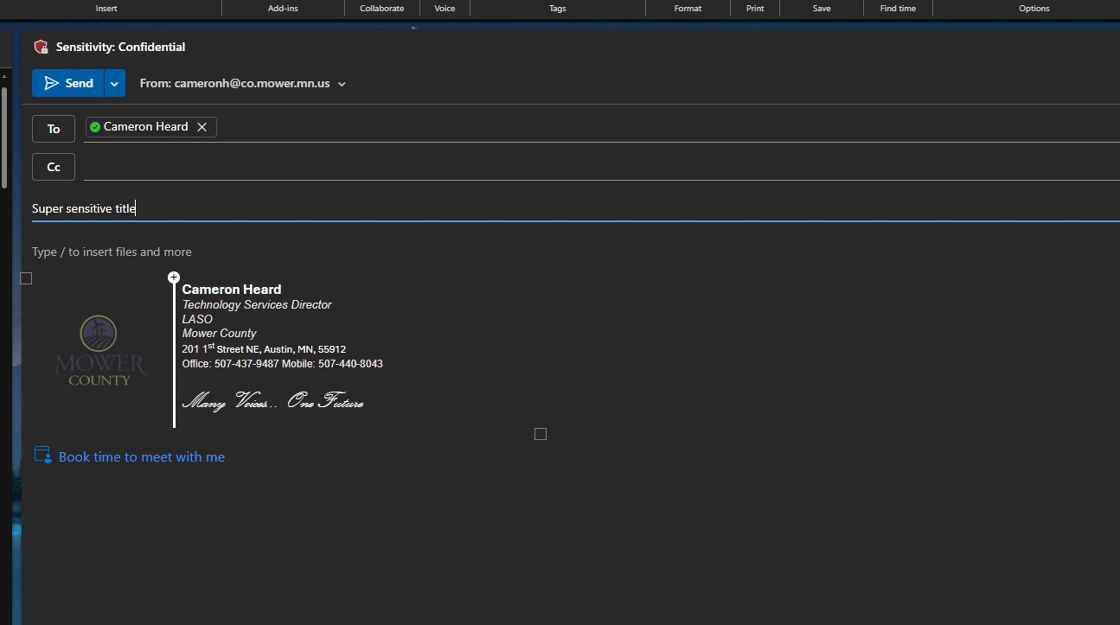
7. Enter your super sensitive information as you normally would, attach any files, and send off as normal